EasyNav
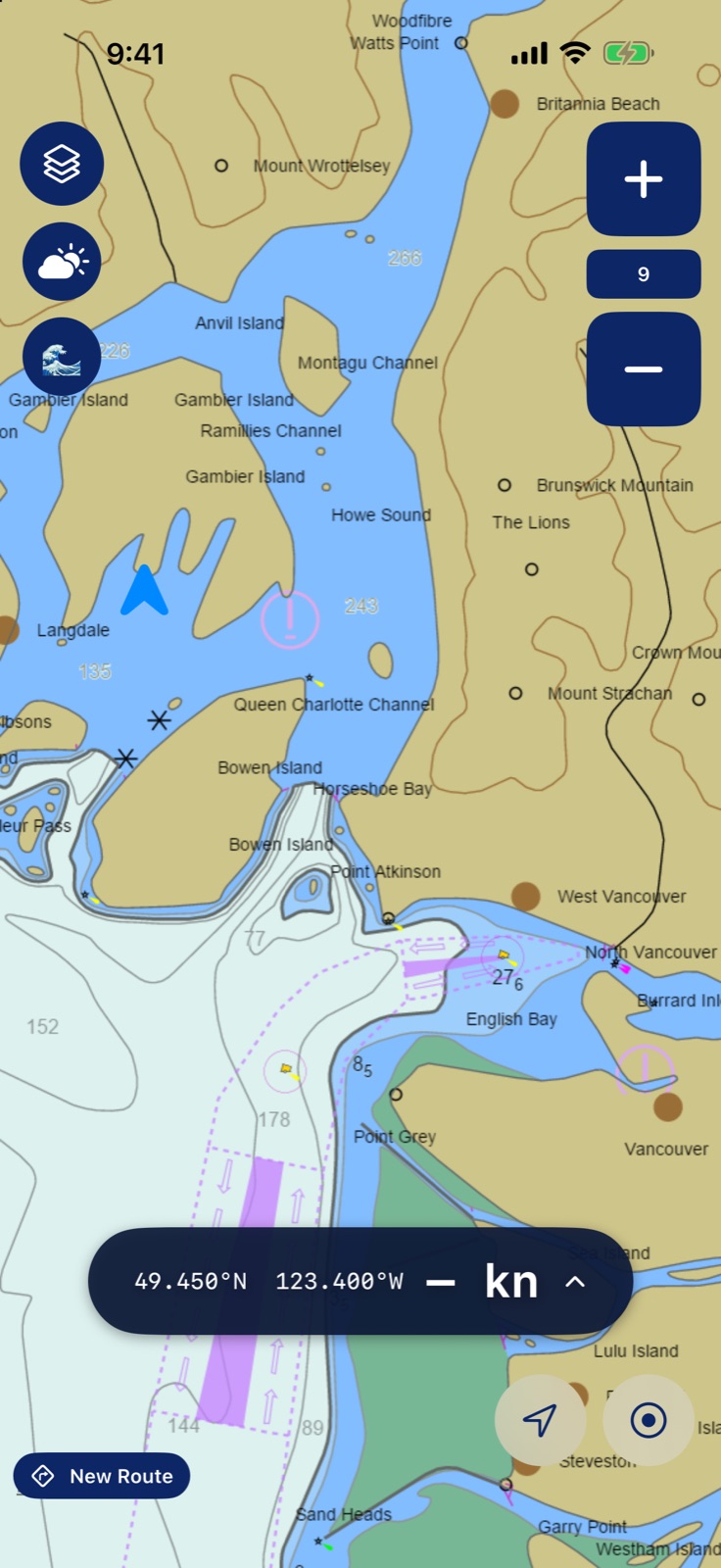
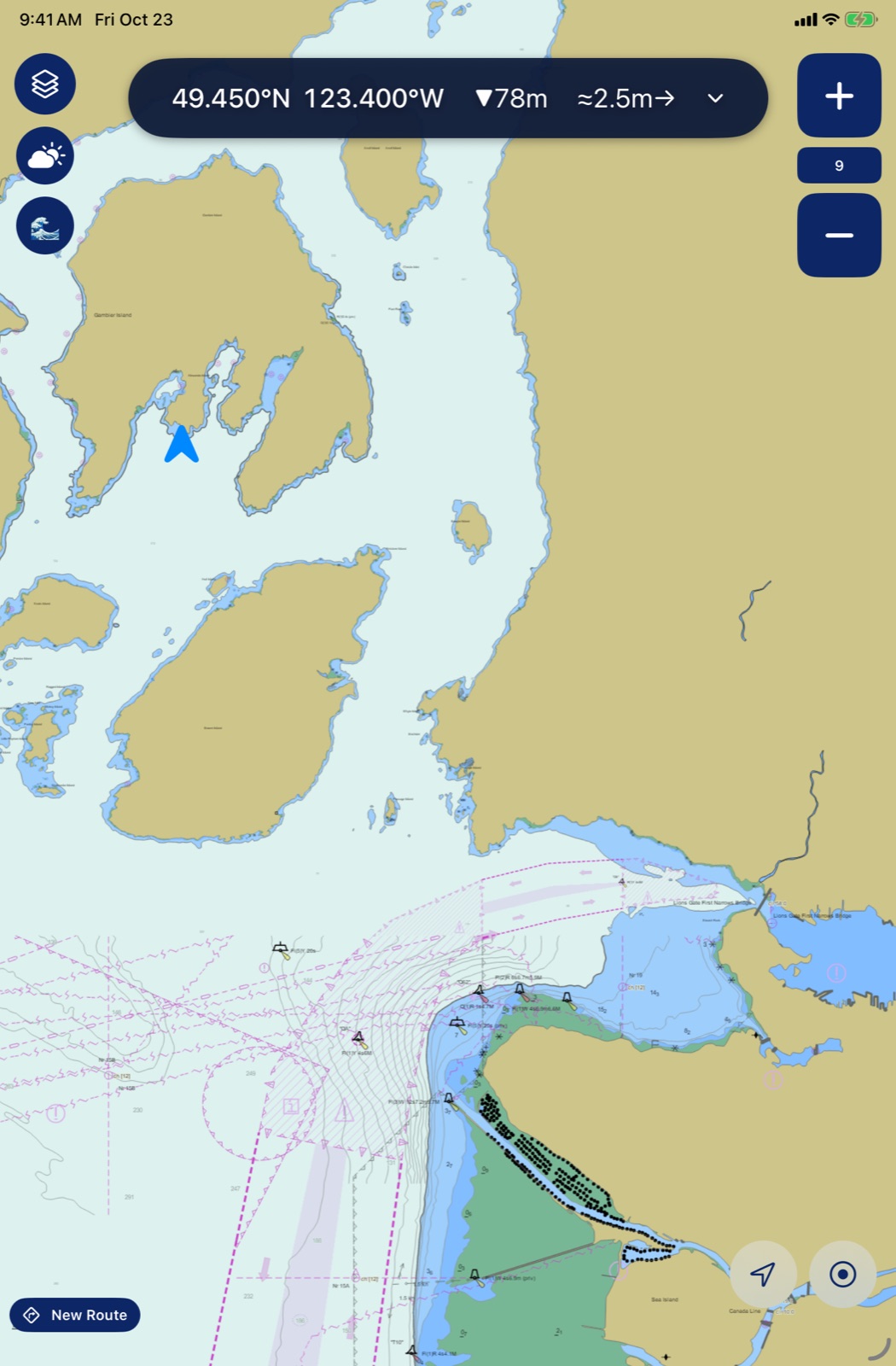
EasyNav is a chart plotter I built for a RIB, a small rigid inflatable boat, in Howe Sound and the Salish Sea. It shows Canadian Hydrographic Service charts with buoys and lights on top, puts the boat on the chart, and gathers what you check before and during a run: depth, tide, currents and wind.
It is a reference, not a certified navigation system. The free depth data has no charted rocks or hazards, buoy and light data is crowd-sourced and incomplete, and a missing depth reading does not mean safe water. Always carry the official CHS chart, on paper or in a licensed app.
- Marine charts
- Works offline
- Apple Watch
Personal project in active development (version 1.1). Not on the App Store.
iOS 17 or later; the Apple Watch app needs watchOS 26.5 or later · version 1.1
Inside EasyNav
Real charts, ready offline
Canadian (CHS) and US (NOAA) electronic charts over OpenStreetMap, with OpenSeaMap buoys and lights on top. Charts you have seen stay on the device, and you can download Howe Sound, the Salish Sea or Puget Sound before a trip.
Routes with spoken directions
Tap the chart to lay out a route, then press Navigate for distance, bearing and arrival times to the next waypoint and the end, with turns announced out loud. A long press drops a named waypoint you can steer to.
Tides, currents and wind
A tide readout from the nearest Canadian or US station, tidal current arrows you can scrub through the day, and wind and wave readings from local weather stations right on the chart.
Track log and trip history
Record your track with a running distance and time. Trips longer than one nautical mile are saved with a small satellite map and the name of the place you went furthest.
Dashboard and man overboard
Tap the speed bar for a big-number dashboard: position, speed, approximate depth, tide, compass, wind and time to sunset. The man overboard button marks the spot and keeps an arrow pointing back to it.
Apple Watch companion
The watch shows speed, position and depth at a glance, with a second page that mirrors the phone's dashboard.
A closer look
Good to know
- Reference only: EasyNav is not a certified navigation system and must never be your main means of navigation. Always carry the official CHS chart, on paper or in a licensed app.
- The free depth data shows depths only, with no charted rocks, obstructions or wrecks, and it has gaps. Buoys and lights come from crowd-sourced data and are incomplete.
- Charts, tides and weather load from the internet the first time; download a region ahead of a trip to use the chart out of signal.
- When it opens, the app sends anonymous usage counts and a rough location (to about 11 km) to an analytics service, so I can see how it gets used.
- An older version for early iPads (iPad mini 2 and 3) also exists.